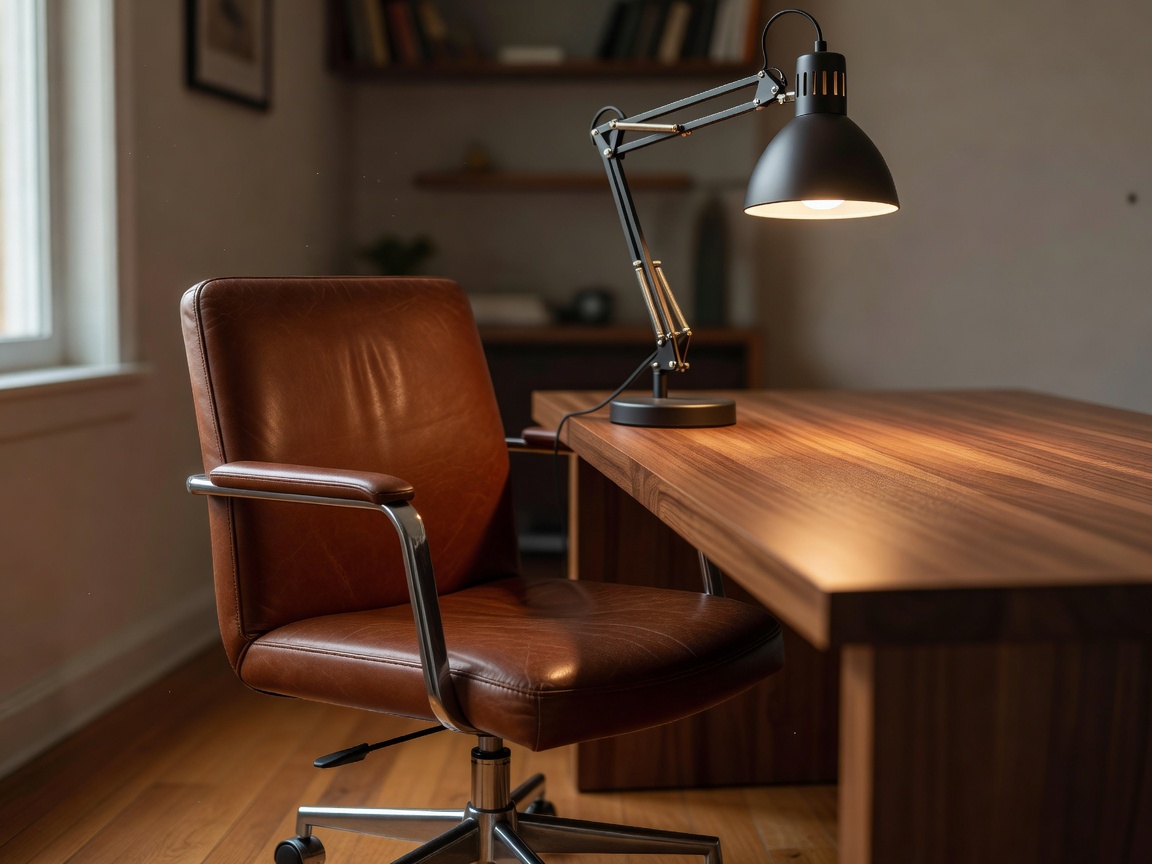
Start with fit and adjustment
Before shopping, notice what feels awkward during a typical work block. Your feet may not rest comfortably, your shoulders may rise toward the keyboard or you may find yourself leaning toward the screen. These observations can guide small changes, though persistent pain or other health concerns should be discussed with a qualified professional rather than diagnosed through an equipment guide.
Set the chair so your feet are supported and you can sit without reaching for the keyboard. If the chair cannot adjust enough, a stable footrest or other appropriate support may help. Check that armrests do not prevent you from getting close to the desk. A chair's advertised adjustments are useful only if they can be set to your needs and remain comfortable through normal tasks.
Place the screen for the task
Position a display so you can read without repeatedly bending forward. Laptop users who work for extended periods may find a separate keyboard and pointing device useful when the screen is raised, but the full arrangement needs to fit the available depth. Test different positions with items you own before committing to a stand or monitor arm. Confirm the support is compatible with the device and stable on the desk.
Vary your posture and tasks where possible. A single position is not a substitute for movement breaks, and equipment cannot eliminate every discomfort. Make adjustments gradually, then assess how the arrangement feels during ordinary work rather than judging it after a brief showroom trial.
Light the work, not the glare
Look at the desk at the time you work. Place a task lamp where it illuminates paper or the keyboard without shining directly into your eyes or reflecting strongly from the screen. Window light can change throughout the day, so a layout that works in the morning may need adjustment later. A movable lamp is often useful in a shared or multipurpose room because it can be redirected and put away.
Consider the light source's reach, stability, controls and bulb compatibility. Avoid assuming that a higher brightness setting is always better. Comfortable, even illumination can make detailed tasks easier, while overly bright spots and screen reflections can become distracting.
Choose after a practical trial
For chairs and other fit-sensitive products, check measurements, adjustment range, assembly details and return conditions. If possible, try the item in a way that resembles your actual work. Keep notes about what improved and what did not. That record helps you avoid spending on an upgrade that looks appealing but fails to address the source of discomfort.
Build a simple trial: adjust one element, use it for normal tasks, and reassess before changing another.