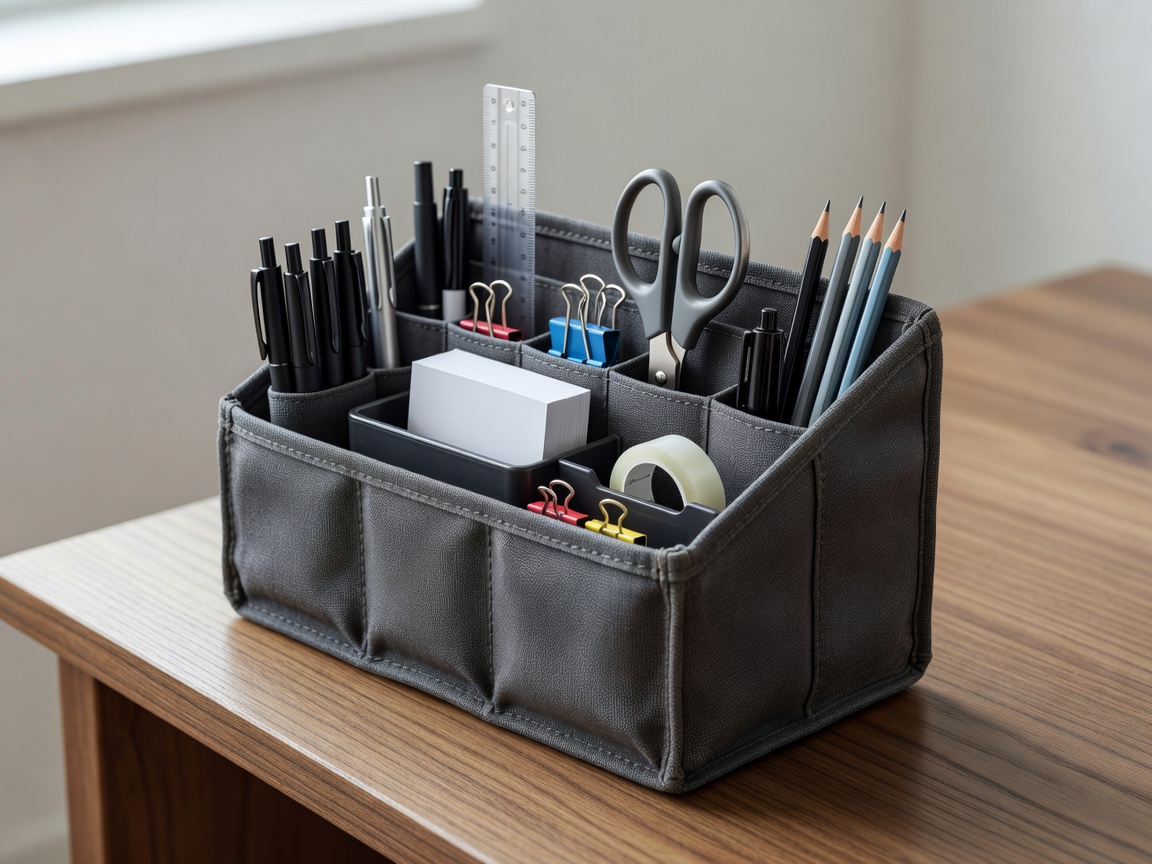
Make the setup easy to put away
When a workspace shares a room, the reset is part of the design. Decide where the laptop, cables, papers and headset go at the end of the day. A drawer, portable caddy or labeled box can contain work items, but it should be sized to what you actually use. Start by sorting existing equipment and removing duplicates before buying storage.
Choose a storage location that is accessible without creating a new obstacle. Keep heavy items low and avoid stacking equipment where it can fall. If devices need charging, plan for a safe cable route that does not cross a walkway. A quick pack-away routine is more likely to stick when every item has a sensible place.
Upgrade in stages
It is tempting to solve every possible problem at once. Instead, keep a short list of recurring friction points and rank them by how often they interrupt work. Try a no-cost change first: move a lamp, clear a surface, alter a routine or reposition the display. If the issue remains, set a practical budget and compare options that address it directly.
Check an item's footprint, compatibility, maintenance needs and return terms. A feature is not an advantage if it takes more room than you have or complicates a shared routine. Look for equipment that can adapt to more than one task, but do not assume multi-purpose products will perform every job equally well. Ask what you will use regularly and what compromises you can accept.
Preserve choice when needs shift
Work schedules, equipment and rooms change. Consider whether furniture can be moved, whether accessories fit devices you may keep, and whether storage can be repurposed. Keep receipts and product details where useful, and learn the relevant warranty and return conditions before purchasing. For technology, confirm connection types and operating requirements rather than relying on a product name alone.
Shared households benefit from simple agreements. Set expectations about when the workspace is available, how calls are handled and what gets cleared after work. Revisit the plan when someone else's schedule changes. Flexible equipment can help, but clear routines often do more to prevent conflict than an additional accessory.
Review the workbench periodically
At the end of a month or a busy project, ask whether the setup still fits. Which tools did you use every week? What stayed in the way? Is there a repeated issue that now deserves a considered upgrade? Remove items that no longer earn their space. Keep the useful parts and adjust the rest, instead of treating a workspace as a one-time makeover.
Keep it adaptable: buy for a current, named need, and leave room for the next version of your routine.