Choose a desk for the work you do
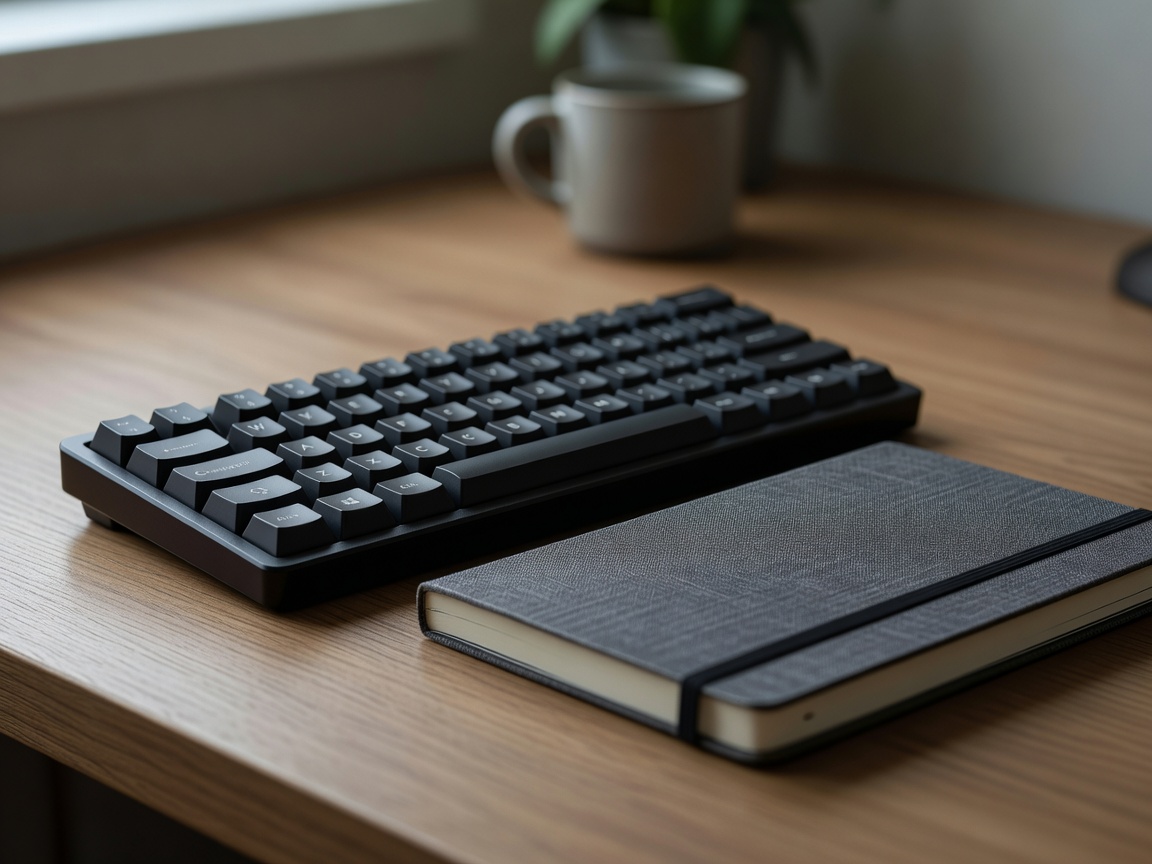
Write down the tasks that occupy most of a typical workday. If you move between a laptop, notebook and paperwork, check that the surface can hold the items you use together. If your work is mostly digital, a smaller desk may be enough, but leave room for a comfortable keyboard and pointing device. Depth matters as much as width: the display should not be pushed uncomfortably close simply because the desk fits the room.
Look for stability, usable leg space and an appropriate height. Adjustable furniture can help accommodate different users or tasks, but adjustment is useful only when you will use it and the item fits your budget and floor plan. A desk should not be selected by feature count alone. Check how it is assembled, how it is supported and what the stated dimensions include.
Make sound choices around real noise
Notice when and where interruptions happen. Household movement, street noise, overlapping calls and notification sounds are different problems. A door, a change in desk position, a shared quiet-time agreement or disabling nonessential alerts may address the cause without adding equipment. If conversations are the issue, headphones may help during appropriate tasks, but they should not isolate you from important safety cues or people who need your attention.
For calls, consider microphone placement and the room's echo. A headset is convenient if you move around or take frequent meetings; a separate microphone may suit a fixed desk, but takes more space and setup. Before purchasing, test the equipment you already have in a normal call. Ask whether listeners can hear you clearly and whether wearing the device remains comfortable for the length of your meetings.
Organize for quick resets
Keep everyday tools easy to reach and group them by task. A small tray or drawer can collect pens, adapters and charging cables, while a portable case can help clear a shared dining table at the end of the day. Avoid buying organizers before you know what needs storing. Sorting existing items first often shows that some equipment is rarely used or can live elsewhere.
Make the setup easy to restore. Label cables if several devices connect to the same area, keep frequently used chargers together and leave a clear patch for the next task. A five-minute reset is more likely to last than a complicated arrangement that requires careful maintenance.
Try the smallest useful change
When concentration is difficult, change one condition at a time for several work sessions. Move the desk away from a high-traffic path, adjust call times or clear the surface. Note whether the change helps. Buy a new item only when you can describe its job and have checked that it fits the room, routine and shared-space expectations.
Test before upgrading: use your current setup to identify the friction point. Then compare equipment by fit, comfort, reliability and practical return options.